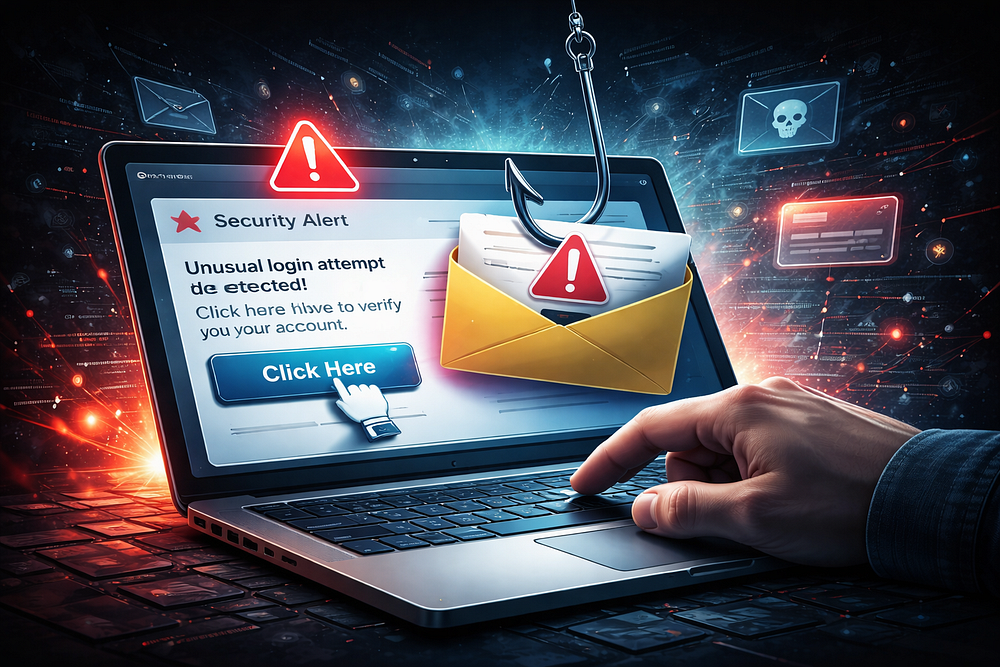
Introduction
Every day, millions of phishing emails are sent across the internet. Some are obvious scams, while others are nearly indistinguishable from legitimate communications from trusted organizations such as Microsoft, Google, Amazon, or banks.
Most people know they should avoid clicking suspicious links. However, few understand what actually happens behind the scenes when a phishing link is clicked.
This article walks through the complete lifecycle of a phishing attack, from email delivery to credential theft, helping readers understand how attackers operate and how organizations can defend against them.
What Is Phishing?
Phishing is a social engineering attack designed to trick users into revealing sensitive information such as:
Usernames
Passwords
Credit card numbers
Banking information
Authentication codes
Instead of exploiting software vulnerabilities, phishing attacks exploit human trust.
Stage 1: The Phishing Email Arrives
Everything begins with a carefully crafted email.
Attackers often impersonate:
Microsoft
Google
LinkedIn
PayPal
Banks
Delivery companies
A typical phishing email may claim:
Your account has been locked
A payment failed
A package delivery is pending
Suspicious activity was detected
The goal is to create urgency.
Example Subject Lines
Verify Your Account Immediately
Security Alert: Unusual Login Detected
Your Password Expires Today
Payment Failed — Action Required
The attacker wants the victim to act before thinking.
Stage 2: The Victim Clicks the Link
The email contains a malicious URL.
Instead of directing users to a legitimate website, the link redirects them to attacker-controlled infrastructure.
Example
Legitimate:
https://login.microsoftonline.com
Fake:
https://microsoft-login-secure.com
At first glance, many users fail to notice the difference.
Some attackers use URL shorteners or multiple redirects to hide the final destination.
Stage 3: Redirection and Tracking
Once clicked, the victim is often redirected through several servers.
These servers collect information such as:
IP address
Browser version
Device type
Operating system
Geographic location
This process is known as fingerprinting.
Attackers use this information to customize the attack and avoid detection.
Stage 4: The Fake Login Page
The victim eventually reaches a cloned login page.
Modern phishing kits can perfectly replicate:
Microsoft 365
Gmail
Facebook
Instagram
Banking portals
Many fake pages include:
Official logos
Real branding
SSL certificates
Responsive mobile design
To the average user, the page appears legitimate.
Stage 5: Credential Harvesting
The victim enters:
Username
Password
Instead of authenticating against the real service, the credentials are sent directly to the attacker.
Behind the Scenes
The phishing page stores the data in:
Text files
Databases
Telegram bots
Attacker dashboards
Within seconds, the attacker receives the stolen credentials.
Stage 6: MFA Bypass Attempts
Multi-Factor Authentication has made phishing more difficult.
Attackers have adapted.
Common MFA Bypass Techniques
Real-Time Phishing Proxies
Tools act as intermediaries between victims and legitimate services.
The victim enters:
Username
Password
MFA code
The attacker captures everything in real time.
MFA Fatigue
Attackers repeatedly trigger authentication prompts until victims approve one by mistake.
Stage 7: Account Takeover
After obtaining credentials, attackers immediately attempt login.
Common targets include:
Email accounts
Cloud platforms
Banking services
Social media accounts
Corporate VPNs
The victim may remain unaware until suspicious activity occurs.
Stage 8: Persistence
Attackers often establish persistence to maintain access.
Examples include:
Email Rules
Automatically forwarding emails to attacker-controlled addresses.
Recovery Changes
Changing:
Backup email addresses
Phone numbers
Security questions
Session Theft
Stealing authentication cookies to remain logged in.
Stage 9: Lateral Movement
In corporate environments, one compromised account is rarely the end goal.
Attackers attempt to:
Access internal systems
Escalate privileges
Move between departments
Discover sensitive data
A single compromised employee account can lead to a full organizational breach.
Stage 10: Data Theft or Financial Fraud
The final objective varies.
Financial Theft
Attackers may:
Transfer funds
Purchase gift cards
Conduct wire fraud
Data Theft
Attackers may steal:
Customer records
Intellectual property
Employee information
Ransomware Deployment
Some groups use phishing as the initial access method for ransomware attacks.
Real-World Consequences
Successful phishing attacks can result in:
Identity theft
Financial loss
Business disruption
Regulatory penalties
Reputation damage
Many major breaches begin with a single phishing email.
How to Identify a Phishing Link
Watch for:
Suspicious Domains
Example:
instead of
Urgent Language
Immediate action required
Account suspended
Verify now
Poor Grammar
Many phishing campaigns contain spelling and grammar mistakes.
Unexpected Attachments
Treat unsolicited attachments with caution.
How to Protect Yourself
Enable Multi-Factor Authentication
MFA significantly reduces account takeover risk.
Verify URLs Carefully
Always inspect the domain before entering credentials.
Use Password Managers
Password managers only autofill on legitimate websites.
Keep Software Updated
Updates often patch security vulnerabilities.
Report Suspicious Emails
Early reporting can protect an entire organization.
The Future of Phishing
Artificial Intelligence is transforming phishing attacks.
Attackers now use AI to:
Generate convincing emails
Mimic writing styles
Create deepfake voice messages
Personalize attacks at scale
As phishing evolves, user awareness and modern authentication methods become increasingly important.
Conclusion
Clicking a phishing link may seem harmless, but it can trigger a chain of events that leads to credential theft, account compromise, financial fraud, and even large-scale data breaches.
Cybersecurity is not only about technology — it is also about understanding attacker behavior.
The more users understand how phishing works, the less likely they are to become victims.
The next time an email urges immediate action, take a moment to verify before you click. That single decision could prevent a major security incident.
No comments yet.