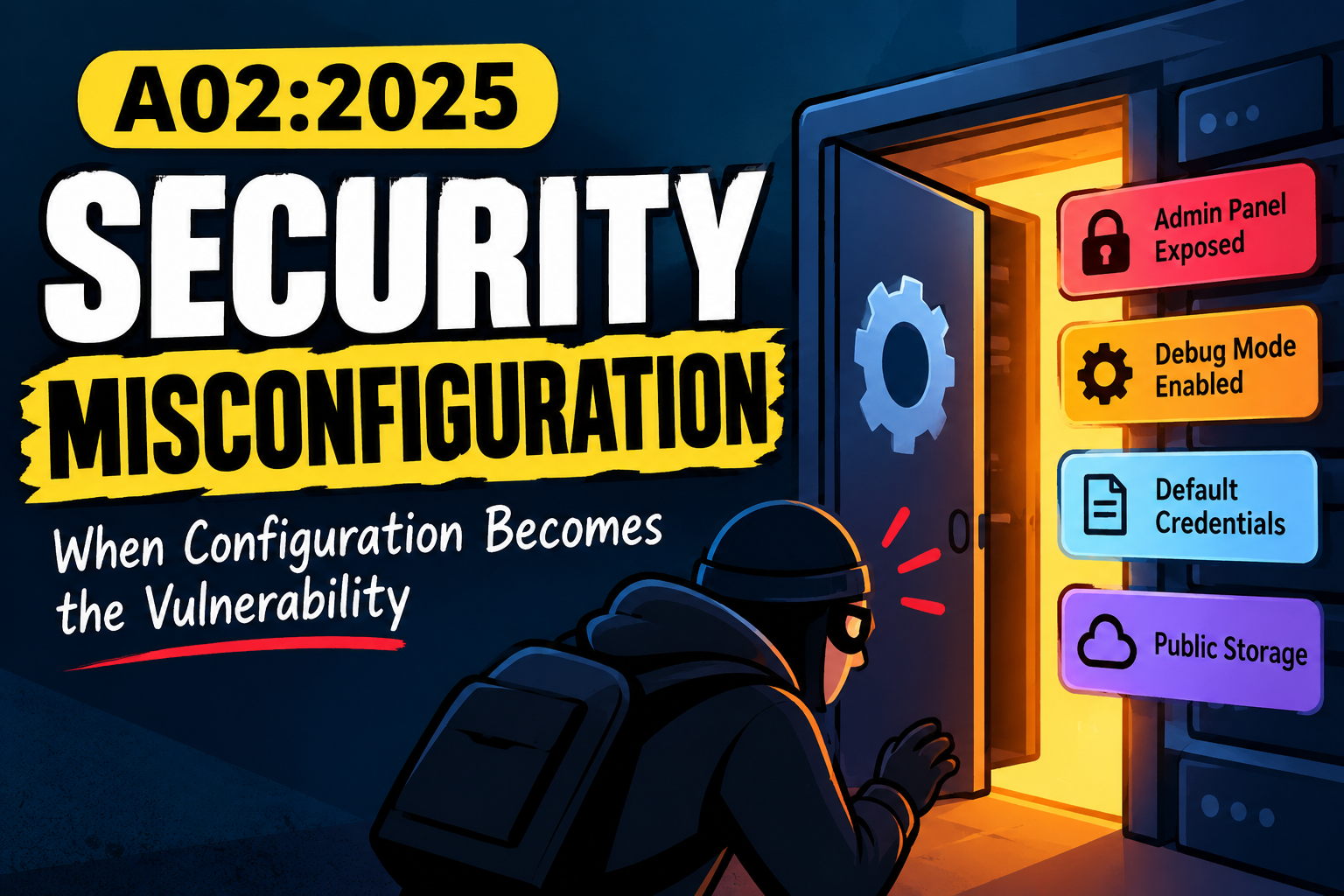
What Is Security Misconfiguration?
Imagine you have a house with a strong door and a strong lock.
But you accidentally leave a window open.
The lock isn't broken.
The door isn't broken.
The problem is simply that the house was not configured securely.
Security Misconfiguration works the same way.
An application can have secure code and proper authentication, but if something is configured incorrectly, attackers may still gain access to information or functionality they shouldn't have.
For example:
Admin panel exposed
Debug mode enabled
Default password still active
Backup files publicly accessible
Directory listing enabled
Cloud storage made public
Detailed error messages exposed
Unnecessary services running
These are all examples of Security Misconfiguration.
The main idea is simple:
Something that should be protected, disabled, or hidden has been incorrectly configured.
Why Is Security Misconfiguration Dangerous?
Attackers don't always need a complicated exploit.
Sometimes they just need to find something that was accidentally left exposed.
Imagine an application has:
https://example.com/adminThe developer might think:
"Nobody knows this URL."
But an attacker discovers it.
If the page has proper authentication and authorization, there may be no problem.
But if it still uses default credentials:
admin / adminthe attacker may immediately gain access.
The application doesn't necessarily have a complicated vulnerability.
The configuration is the problem.
Common Security Misconfigurations
1. Default Credentials
Some applications, devices, and management interfaces come with default usernames and passwords.
For example:
Username: admin
Password: admin
If the administrator forgets to change them, an attacker may simply try the default credentials.
The system is protected, but the protection was never properly configured.
2. Debug Mode Enabled
Developers often use debug mode while building an application because it helps them understand what went wrong.
For example:
DEBUG=TrueThe problem starts when debugging is left enabled in production.
Instead of showing:
Something went wrong.the application might show:
Database connection failed

Host: 10.0.0.25
Port: 5432
Database: production
File: /var/www/app/database.py
Now an attacker has learned:
Internal IP addresses
Database information
File paths
Technology details
Application structure
The attacker hasn't necessarily hacked the application yet.
But the configuration has already given them useful information.
3. Detailed Error Messages
Error messages can reveal information that normal users don't need.
For example:
SQL connection failed

Database:
10.10.20.15:5432

Application:
production-api

File:
/var/www/app/api/database.py
A safer response would be:
Something went wrong. Please try again later.The detailed information can still be stored in internal logs for developers.
A good approach is:
User      → Generic error
Developer → Detailed internal logs
This prevents unnecessary information from being exposed to attackers.
4. Directory Listing Enabled
Imagine you visit:
https://example.com/files/Instead of getting an error, the server displays:
Index of /files/

backup.zip
database.sql
config.json
old-website.zip
test.html
Now the server is telling the attacker what files exist.
An attacker may try to download interesting files.
For example:
backup.zipcould contain application source code.
Or:
database.sqlcould contain sensitive information.
The problem isn't necessarily the files themselves.
The server was configured to show the directory contents.
5. Exposed Admin Panels
Many applications have administrative interfaces:
/admin
/administrator
/management
/control-panel
Having an admin panel isn't automatically a vulnerability.
The problem is exposing it without proper protection.
For example:
Internet
   ↓
 /admin
   ↓
 Login
   ↓
Weak/default credentials
An attacker can discover the panel and start testing the authentication.
Administrative interfaces should be properly protected and, where appropriate, restricted to trusted networks or additional authentication controls.
6. Unnecessary Services
A server may have services running that the application doesn't actually need.
For example:
FTP
Telnet
Test server
Development service
Unused database interface
Old administration panel
Every unnecessary service creates additional attack surface.
If a service isn't required, there is often little reason to expose it.
A simple security principle is:
If you don't need it, don't expose it.
7. Exposed Backup Files
Developers sometimes create backup files such as:
website.zip
backup.zip
database.sql
config.old
index.php.bak
If these files are placed inside a publicly accessible web directory, an attacker may be able to download them.
For example:
https://example.com/backup.zipA backup could contain:
Source code
Configuration files
Database information
API keys
Credentials
Internal documentation
A forgotten backup can therefore become a serious security problem.
8. Exposed Configuration Files
Configuration files can contain sensitive information.
For example:
DB_HOST=10.0.0.10
DB_USER=app_user
DB_PASSWORD=********
API_KEY=********
Files such as:
.env
config.json
settings.json
should never be accidentally exposed through the web server.
If an attacker can download them, they may gain credentials or other information that can be used for further attacks.
9. Insecure Cloud Configuration
Modern applications often depend heavily on cloud services.
That creates another major source of configuration problems.
Imagine a company stores customer documents in cloud storage.
The storage is accidentally configured as:
Public: YesNow anyone who discovers the storage location may be able to access those files.
The application itself might have strong authentication.
But the cloud storage is configured incorrectly.
It is still a security problem.
Cloud environments should be reviewed for:
Storage permissions
IAM permissions
Security groups
Public databases
Public snapshots
Service accounts
Network access
10. Insecure CORS Configuration
CORS controls which websites are allowed to interact with a web application from a browser.
A poorly configured CORS policy can create security problems.
For example:
Access-Control-Allow-Origin: *This may be appropriate for some public APIs.
But it shouldn't automatically be used for sensitive applications.
The correct configuration depends on what the application needs to expose and which websites it actually trusts.
The important rule is:
Don't make security decisions more permissive than necessary.
11. Missing Security Headers
Web applications can use HTTP security headers to provide additional browser-side protections.
Examples include:
Content-Security-Policy
Strict-Transport-Security
X-Content-Type-Options
Referrer-Policy
Missing or incorrectly configured headers don't automatically mean an application is vulnerable.
But they can remove useful security protections or make certain attacks easier depending on the application.
Security headers should therefore be reviewed as part of the application's overall security configuration.
How Security Testers Find Misconfiguration
During a security assessment, testers can check things such as:
Admin panels
Debug endpoints
Test endpoints
Backup files
Configuration files
Directory listing
Default credentials
Error messages
HTTP headers
CORS configuration
Cloud permissions
Unnecessary services
Exposed management interfaces
Common locations might include:
/admin
/debug
/test
/dev
/backup
/.env
/.git
/config
But finding one of these paths isn't automatically a vulnerability.
The goal is to determine whether something has been:
unnecessarily exposed, incorrectly protected, or configured in an insecure way.
A Simple Testing Example
Imagine you're testing an application.
You request:
GET / HTTP/1.1
Host: example.com
The response contains:
Server: nginx
X-Powered-By: PHP/8.x
This information alone isn't necessarily a vulnerability.
But then you discover:
/debugand it returns detailed application information.
Then you find:
/backup.zipwhich is downloadable.
Then you discover:
/adminusing default credentials.
Now you have several configuration weaknesses.
This is why security testers don't just search for one specific vulnerability.
They look at the overall configuration and attack surface.
How to Prevent Security Misconfiguration
Remove Things You Don't Need
If a production application doesn't need:
Test endpoints
Sample applications
Unused services
Development tools
Old admin interfaces
remove or disable them.
Less unnecessary functionality means less attack surface.
Disable Debugging in Production
Development settings shouldn't simply be copied into production.
For example:
Development:
DEBUG = true

Production:
DEBUG = false
Production should return safe error messages while keeping detailed diagnostic information in internal logs.
Change Default Credentials
Never leave default passwords active.
Better yet, disable unnecessary default accounts completely.
Protect Administrative Interfaces
Admin functionality should have strong authentication and appropriate access restrictions.
Depending on the environment, additional controls can include:
MFA
IP restrictions
VPN access
Network segmentation
Rate limiting
Strong authentication
Protect Sensitive Files
Files containing:
Passwords
API keys
Configuration
Database credentials
Source code
Backups
should never be publicly accessible.
Review Cloud Permissions
Regularly ask:
Who can access this storage?

Who can access this database?

Is this resource public?

Does this account have unnecessary permissions?
Don't give something more access than it actually needs.
Security Misconfiguration Is Not Just a Developer Problem
Misconfiguration can happen anywhere.
Developer
   ↓
Application configuration

System Administrator
   ↓
Server configuration

Cloud Engineer
   ↓
Cloud configuration

Network Administrator
   ↓
Network configuration
A secure application can still become vulnerable because of an insecure server or cloud configuration.
Security therefore needs to cover the whole environment, not just the application code.
Final Takeaway
Security Misconfiguration isn't about one specific attack.
It's about something being configured in an insecure way.
It could be:
Default password
Debug mode
Exposed admin panel
Public cloud storage
Directory listing
Backup file
Detailed error message
Unnecessary service
Insecure CORS
Missing security controls
Sometimes the attacker doesn't need to exploit complicated code.
They just need to find something that someone forgot to secure.
The most important question is:
"What is exposed, enabled, or accessible that shouldn't be?"
That's the core of A02:2025 – Security Misconfiguration.
A secure application needs more than secure code. Its entire environment must be configured securely.
No comments yet.